





Your photo library can grow faster than your phone’s storage, leaving you worried about lost memories and rising monthly fees.
Finding the best cloud storage for photos can also feel confusing when every service claims to be secure, simple, and affordable. I know the right choice depends on more than a large storage limit.
Reliable cloud photo storage needs to protect original image quality, offer fair pricing, allow easy access, and support all your devices. Here, I compare Google Photos, iCloud, Amazon Photos, IDrive, and pCloud.
You can see which options suit iPhone users, Android users, families, Prime members, and photographers, plus what to check before choosing a plan.
What to Check Before Choosing Photo Cloud Storage
The best photo backup solutions do more than provide a large storage allowance. Compare these points to see how safely and conveniently each service handles your files.
- Original Photo Quality: Confirm that uploads are stored at full resolution without automatic compression, resizing, or format changes that may reduce image quality.
- Video Storage Limits: Check if videos share the same storage allowance, have separate limits, or require a higher-priced plan.
- RAW File Support: Make sure the service supports your camera’s RAW files, previews them correctly, and allows original downloads. File requirements can vary across different camera types, so check compatibility before uploading a large library.
- Automatic Backup: Look for reliable background uploads across phones, computers, tablets, and external drives without requiring frequent manual action.
- Download Options: Confirm that you can download the entire photo library, including albums, dates, filenames, and available metadata.
- Account Security: Choose a service offering two-factor authentication, encryption, login alerts, recovery methods, and controls for connected devices.
- Family Sharing: Review member limits, shared storage rules, private library options, permissions, and account ownership before adding family members.
- Deletion Behavior: Find out if removing a photo from one device also deletes it from the cloud and other devices.
- Long-Term Cost: Compare monthly, annual, and lifetime pricing while accounting for storage growth, renewal increases, and optional security features.
A suitable service should protect original files, support easy recovery, and remain affordable as your photo and video library grows over time.
Which Cloud Storage Option for Photos Is Best for Your Needs?
Each platform below works best for a different type of user. The right choice depends on your device ecosystem, existing subscriptions, privacy expectations, and how much storage you actually need.
1. Google Photos: Best for AI Search and Cross-Platform Use
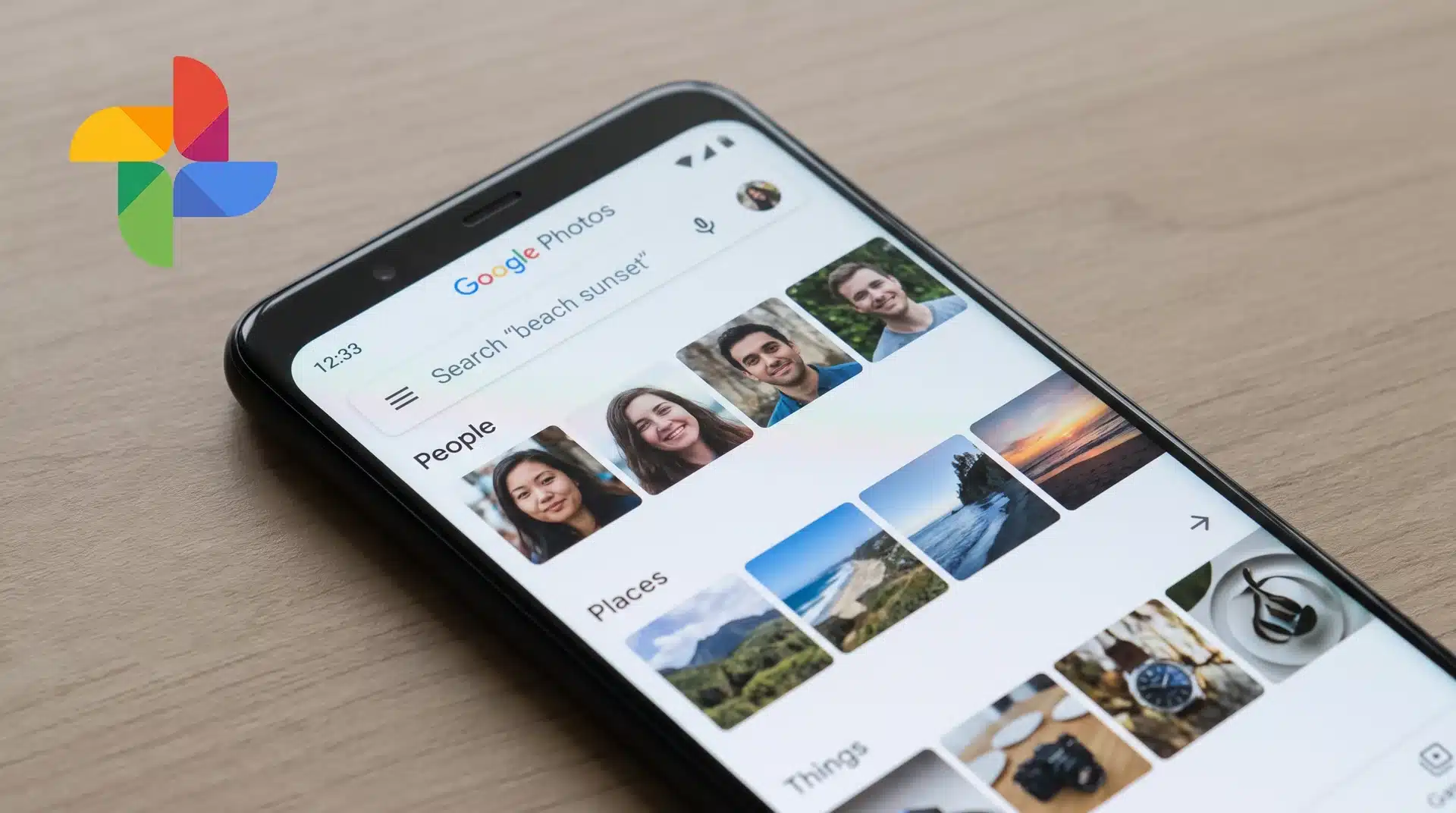
Google Photos is the easiest choice for people who use different devices or want powerful photo organization without much manual work. Its biggest advantage is search, with tools that can find people, places, objects, and moments without needing to sort everything yourself.
The free plan includes 15GB of storage, but that space is shared with Gmail and Google Drive. For users who already store emails, documents, and files in Google’s ecosystem, the free limit can disappear faster than expected.
Paid plans through Google One start when your library grows beyond that limit. Google Photos becomes valuable for users who want smart search, easy sharing, and access across Android, iPhone, Windows, and Mac without being locked into one device brand.
2. Amazon Photos: Best for Prime Members

Amazon Photos stands out because it changes the value equation for existing Prime members. Active Prime subscribers get unlimited full-resolution photo storage included with their membership, making it one of the strongest options for photo-heavy users.
The limitation is video storage. Prime members only receive 5GB for videos, so people with large video libraries will need additional storage. Without Prime, Amazon Photos loses much of its advantage because paid storage follows a separate pricing model.
For households already paying for Amazon Prime and mainly storing photos, this can be one of the lowest-cost options available. The main question is not whether Amazon Photos is good, but whether you already pay for the service.
3. Apple iCloud Photos: Best for iPhone and Mac Users
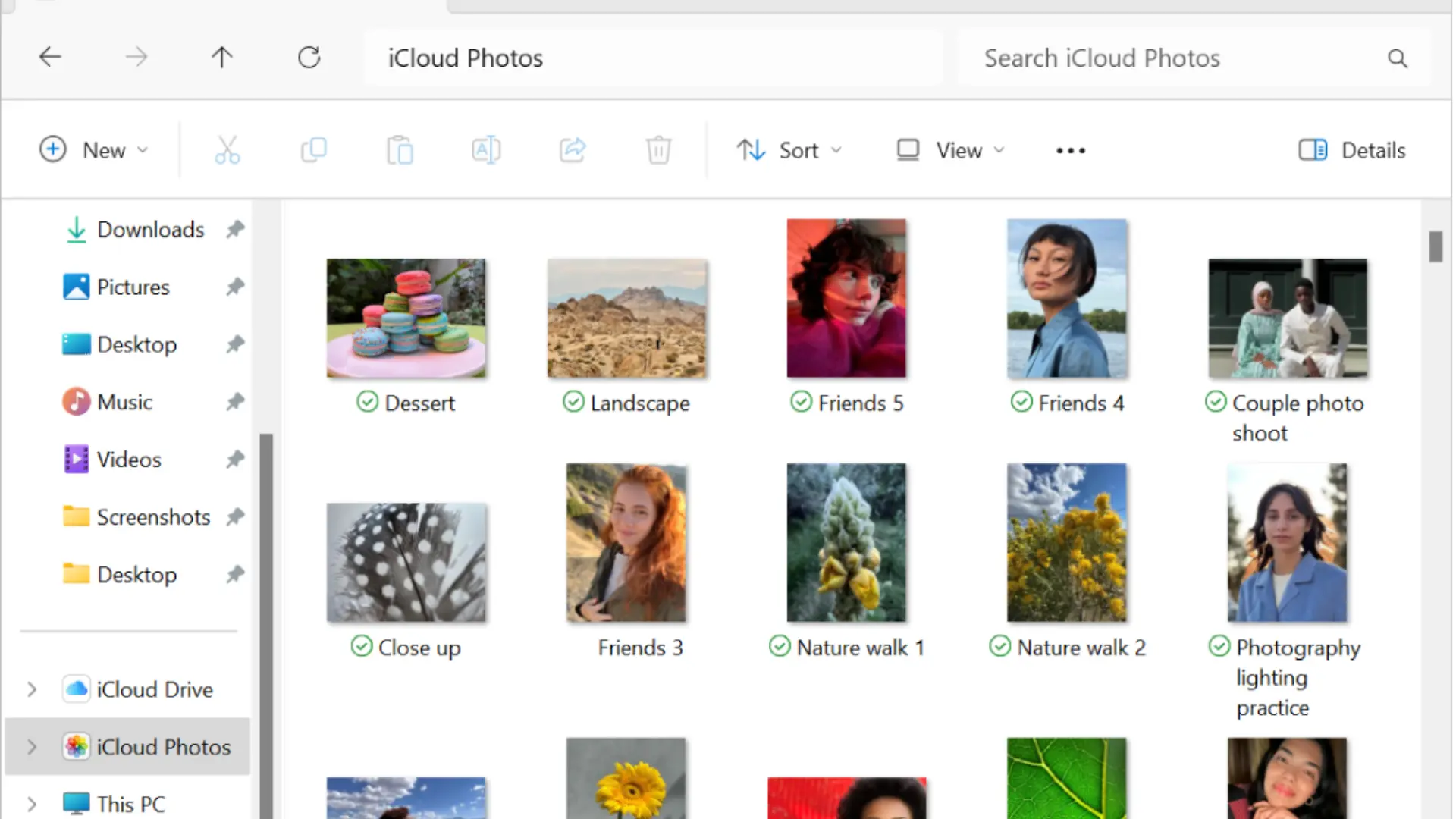
iCloud Photos is built around convenience. Photos taken on an iPhone automatically sync across Apple devices, keeping edits, albums, and original files available without extra setup.
The drawback is the limited free storage. Apple provides only 5GB, which is shared across backups, messages, and other services. People using advanced iPhone camera features may fill that allowance quickly with high-resolution photos and videos
For people already using an iPhone, Mac, or iPad, iCloud remains the most seamless option. The trade-off is that the experience is strongest inside Apple’s ecosystem, while users with mixed devices may find other platforms more flexible
4. pCloud: Best for Privacy and Long-Term Value
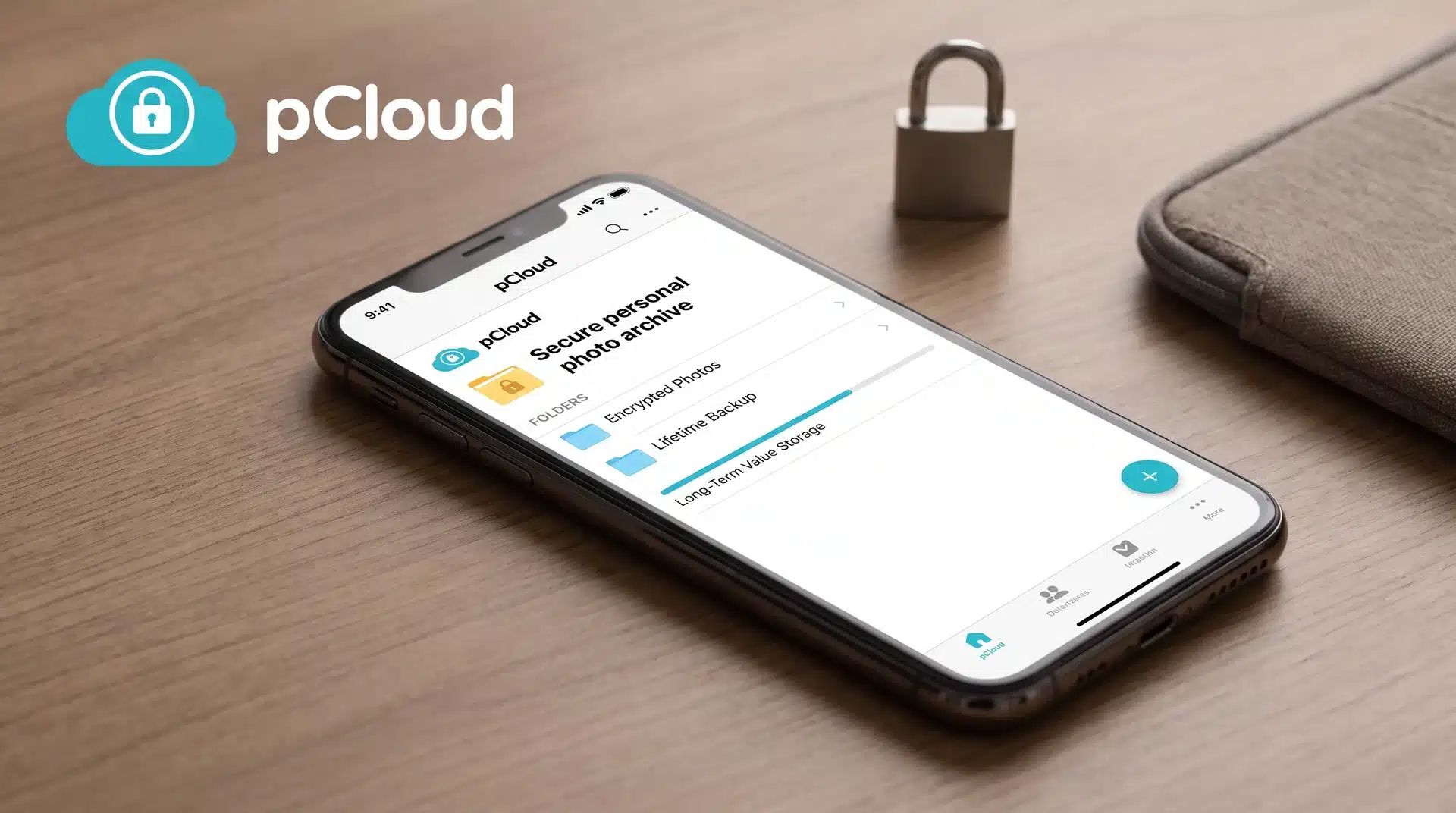
pCloud takes a different approach by focusing on ownership, privacy, and long-term storage costs. Its biggest differentiator is zero-knowledge encryption through pCloud Encryption, where files are encrypted so only the user can access them.
Unlike subscription-only services, pCloud also offers lifetime storage plans. This can make sense for users who want to pay once and keep a large photo archive for years instead of paying monthly forever.
The trade-off is convenience. pCloud does not offer the same level of AI-powered photo organization as Google Photos or the built-in device integration of iCloud.
5. Microsoft OneDrive: Best for Windows and Microsoft 365 Users
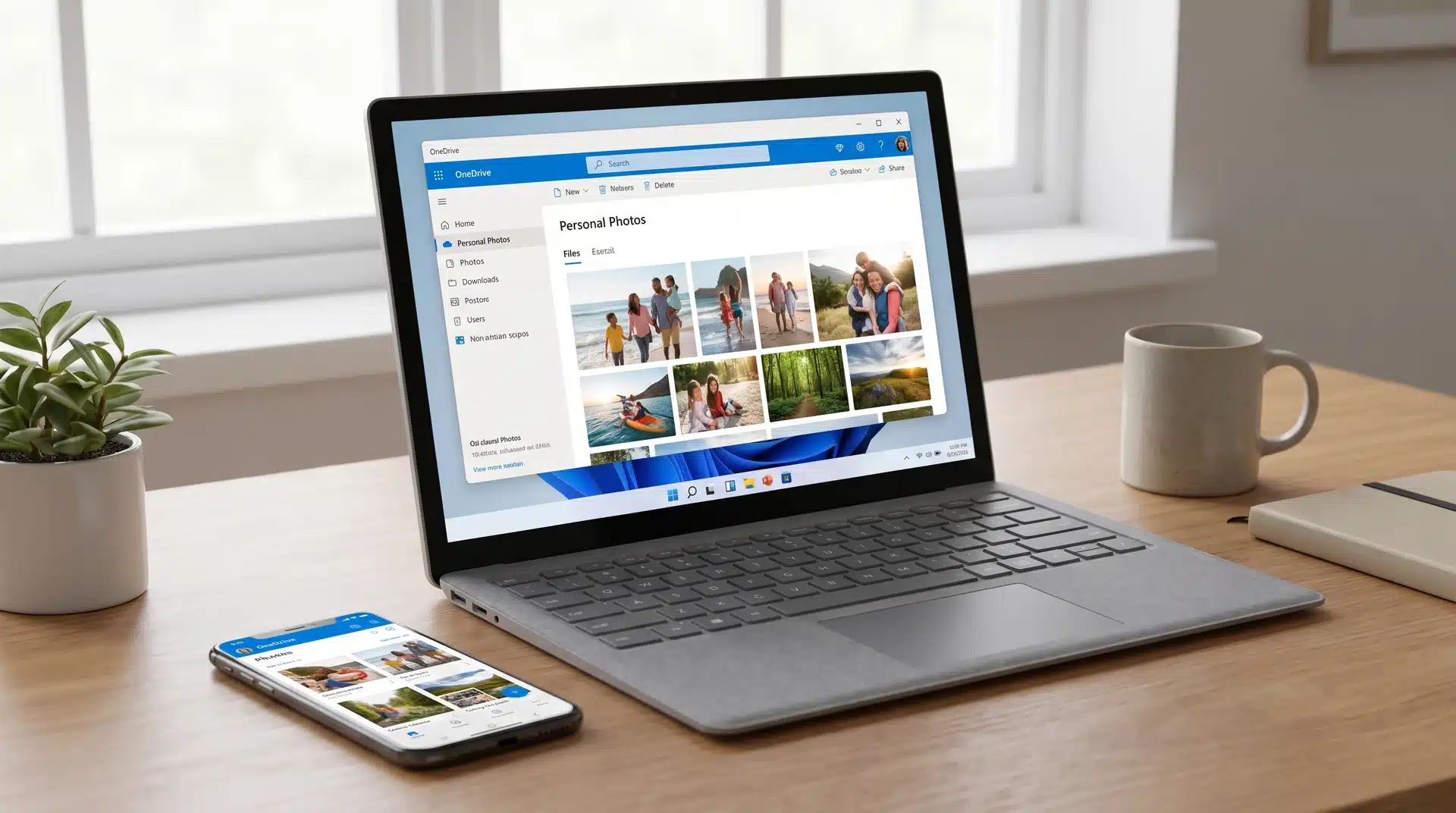
OneDrive becomes a strong photo storage option for anyone already paying for Microsoft 365. The bundle includes 1TB of storage per user, making it one of the best values for existing subscribers.
Its photo features include automatic uploads, basic organization, and integration with Windows devices. However, it is not as photo-focused as Google Photos when it comes to advanced search and AI organization.
For Windows users who already use Word, Excel, and other Microsoft services, OneDrive often provides enough photo storage without adding another subscription.
6. SmugMug: Best for Professional Photographers
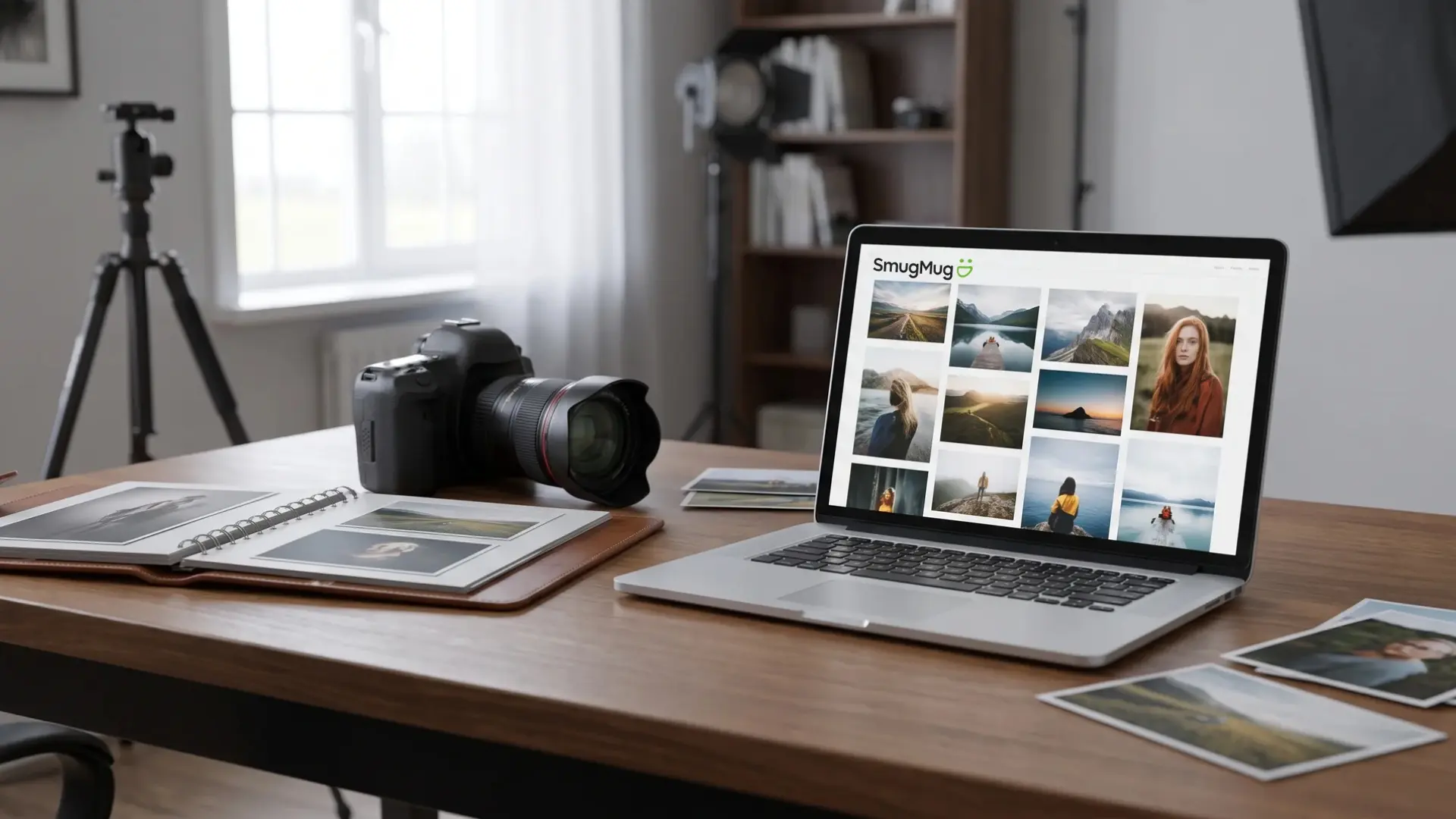
SmugMug is designed for photographers who need more than simple storage. It focuses on portfolio presentation, client galleries, image sharing, and professional presentation.
It is a better fit for photographers selling work or sharing galleries with clients rather than everyday phone photo backups. The platform prioritizes presentation and control over automatic photo organization.
For personal photo storage, other platforms offer better convenience. For professional image delivery, SmugMug fills a specific need that general cloud storage services do not.
Free vs. Paid Photo Storage: Where the Real Trade-Offs Are
Free photo storage sounds appealing, but the real value appears when you look at storage limits and upgrade costs. A plan that works for a small library may become expensive once thousands of photos accumulate.
A modern smartphone photo usually takes around 3 to 5MB, meaning 15GB can hold roughly 3,000 to 5,000 photos before accounting for other files like emails, documents, and backups.
| Platform | Free Storage | What Happens When You Hit the Limit | Best Value For |
|---|---|---|---|
| Google Photos | 15GB shared with Google Drive and Gmail | Upgrade through Google One when storage fills up | Users who want smart search and cross-device access |
| Amazon Photos | Unlimited photo storage with Amazon Prime | Pay separately for extra video storage beyond 5GB | Prime members with large photo libraries |
| iCloud Photos | 5GB shared across Apple services | Upgrade to iCloud+ when storage runs out | iPhone and Mac users wanting seamless syncing |
| OneDrive | 5GB free storage | Upgrade through Microsoft 365 or OneDrive plans | Windows users and Microsoft 365 subscribers |
| pCloud | Limited free storage | Upgrade to paid plans or lifetime storage options | Users prioritizing privacy and long-term storage |
The cheapest option is not always the one with the lowest monthly price. Your existing subscriptions, photo growth rate, and storage habits determine which platform stays valuable over time.
Conclusion
The right photo storage service should keep your files safe without making access, organization, or pricing harder than necessary.
I found that Google Photos works well for smart search, while iCloud fits Apple devices and Amazon Photos gives Prime members strong value.
IDrive is better suited to full-device backups, while pCloud offers an option for people who prefer a one-time payment. Your final choice should account for image quality, video limits, security, recovery tools, and future storage needs.
The best cloud storage for photos also works better alongside an external drive, giving you another copy if an account or device fails. Compare your top choices, check plan terms, and share which service works best for you.
Frequently Asked Questions
Do Amazon Prime members really get free unlimited photo storage?
Yes, Amazon Prime members get unlimited full-resolution photo storage through Amazon Photos at no additional cost. The main limitation is video storage, which is capped at 5GB before requiring an upgrade. For users who already pay for Prime and mainly store photos, it offers one of the strongest value options available.
Where is the best place to store photos long-term?
The best option depends on what matters most to you. pCloud works well for users who prioritize privacy and long-term ownership, while Amazon Photos offers strong value for Prime members. Google Photos and iCloud are better choices for users who prefer easy syncing and smart organization over lifetime storage costs.
Where can I store thousands of photos for free?
Amazon Photos provides unlimited photo storage for active Prime members, making it the closest option to free unlimited storage. Google Photos offers 15GB, but that space is shared with Gmail and Drive. For larger libraries, free plans usually work only as temporary storage before an upgrade becomes necessary.
Is it safe to store personal photos in the cloud?
Major cloud platforms use encryption to protect stored photos, but privacy levels vary between providers. Most services can technically access stored files, while zero-knowledge providers like pCloud prevent even the company from viewing your content. Strong account security, especially two-factor authentication, remains essential regardless of platform choice.